
BDT11 app — Play Faster, Bet Smarter on Mobile
Install the BDT11 app on your Android device to enjoy lightning-fast betting, live casino tables, and real-time scores with minimal data usage. The BDT11 app is fully tuned for Bangladesh networks, supports local-friendly payments, and delivers a smooth, secure experience on both new and older phones.
- 10 MB Lightweight APK size
- 24/7 In‑app support
- Low Data Optimized for 3G/4G
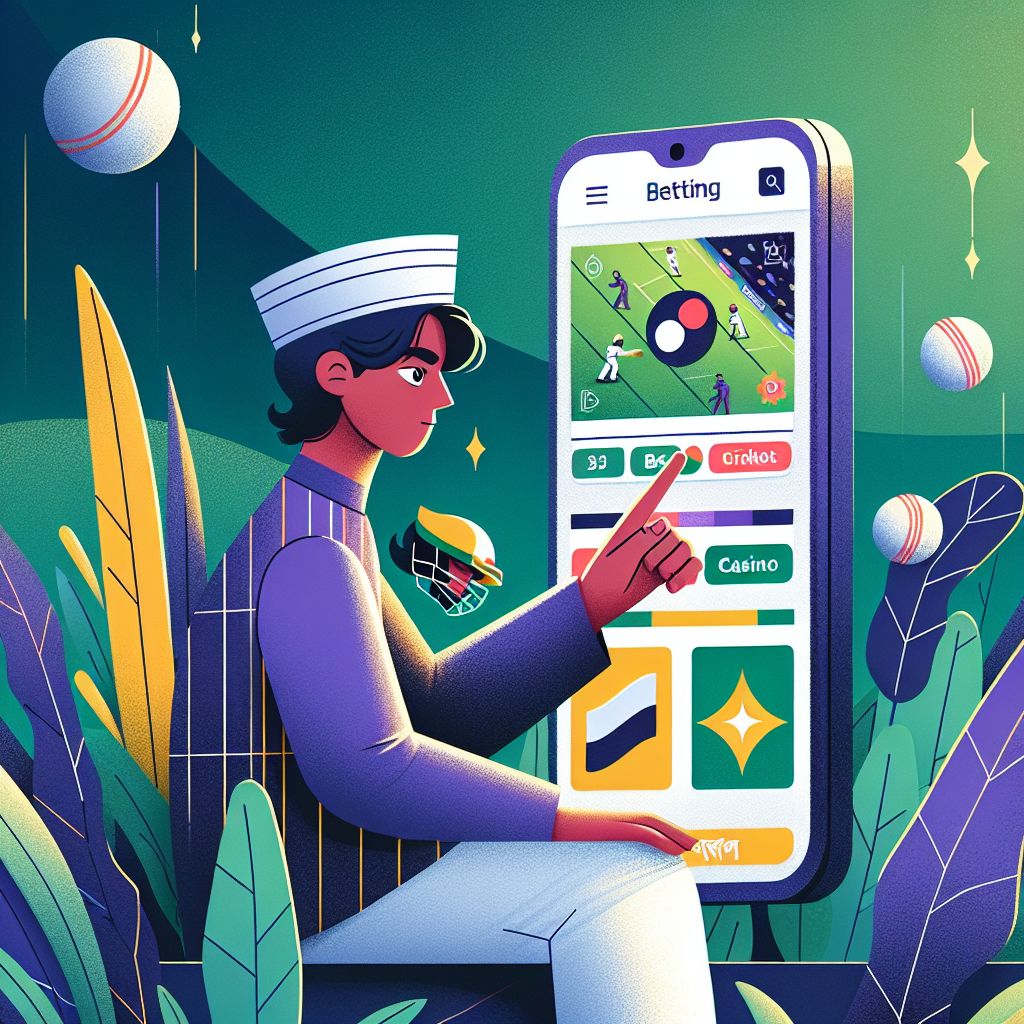
Why Choose the BDT11 app in Bangladesh
The BDT11 app is designed specifically for players in Bangladesh who want speed, stability, and convenience in one place. Instead of relying on a browser, you get a dedicated mobile experience that loads markets, casino games, and promotions much faster. The interface is clean and intuitive, so even first-time users can navigate the BDT11 app without confusion.
Because the BDT11 app is installed directly on your phone, you benefit from better performance on unstable or slow mobile networks. Pages cache locally, animations are smoother, and odds refresh in real time with minimal lag. This is especially helpful during live betting, where every second matters and delayed updates can cost you opportunities.
Security is another core advantage of using the BDT11 app. Your login data is encrypted, and you can enable additional protection such as device-level screen locks or biometric authentication. Regular updates keep the app aligned with the latest security standards while also adding new features and improvements tailored to Bangladeshi users.
Finally, the BDT11 app keeps you connected through smart notifications. You can choose alerts for kick-off times, goal updates, cash-out opportunities, or special promotions. This way you never miss key moments or limited-time bonuses, even when you are not actively browsing the app. The result is a more engaging and controlled betting experience.
Core Features of the BDT11 Mobile app
Lightweight & Fast
The BDT11 app is intentionally kept small in size so it downloads quickly, even over slower Bangladeshi mobile connections. Once installed, it runs smoothly on a wide range of Android devices, including older smartphones. Background processes are optimized to reduce lag and battery drain without sacrificing functionality.
Live Betting & Instant Odds
With the BDT11 app, live odds update in real time, helping you react instantly to changing match situations. You can switch between events, markets, and bet slips with almost no delay. This responsiveness is especially important for cricket and football fans in Bangladesh who follow fast-moving games closely.
Casino & Slots on the Go
Beyond sports, the BDT11 app gives you access to a curated selection of mobile-friendly casino games and slots. Graphics are optimized for smaller screens so reels spin smoothly and tables render clearly. Whether you have a short break or a long commute, you can enjoy quick gaming sessions with just a few taps.
Secure Local-Friendly Payments
The BDT11 app integrates secure payment gateways that work well for Bangladeshi players. Deposits and withdrawals are processed through encrypted channels, and transaction history is easily accessible in your profile. Combined with in-app security settings, this helps keep your funds and personal data protected at all times.
How to Install the BDT11 app APK on Android
Because the BDT11 app is distributed as an APK, you download it directly rather than through the Google Play Store. The process is simple, safe, and takes only a few minutes if you follow the steps carefully. Make sure you have a stable internet connection and enough free storage before starting the installation.
Step 1: Download the BDT11 APK
Visit the official BDT11 website from your Android browser and tap the button labeled “Download BDT11 APK”. Confirm the download when prompted by your browser. The APK file will begin downloading to your device, and you can track progress in the notification bar.
Step 2: Allow Install from Browser
When the download is complete, tap the APK file from your notifications or file manager. If your phone blocks the installation, go to Settings and enable the option to allow installs from this source, typically your browser. This permission is required only once and can be turned off again after installing the BDT11 app.
Step 3: Install & Log In
After granting permission, tap “Install” and wait for the BDT11 app setup to finish. Open the app from your home screen, log in with your existing BDT11 account or create a new one in a few simple steps. Once logged in, you can deposit, claim bonuses, and start betting or playing casino games immediately.
Optimizing Your BDT11 app Experience
To get the most from the BDT11 app in Bangladesh, start by customizing your settings. Inside the profile or settings menu, you can adjust language preferences, choose light or dark mode, and set notification types. This ensures that the BDT11 app behaves in a way that fits your daily routine and avoids unnecessary distractions.
Network optimization is also important for smooth play, especially on live markets and casino tables. Whenever possible, use a stable Wi‑Fi connection or strong 4G signal to reduce delays. If your connection becomes weak, the BDT11 app automatically scales certain visual elements to keep critical data like odds and balances updating correctly.
Managing your bankroll responsibly is easier when you use the built-in tools available in the BDT11 app. You can track recent bets, set deposit limits, and review your transaction history within a few taps. These features help you stay in control of your spending and make more informed decisions over time.
Finally, keep your BDT11 app updated whenever a new version is released. Updates often include performance boosts, new betting features, extra casino titles, and important security patches. Enable update reminders or check the official site regularly so your app always runs the latest and most secure build available.
Tips & Best Practices for Using the BDT11 app
Use Stable Connections
For live betting and streaming-style features, a steady internet connection is crucial. Try to avoid switching between Wi‑Fi and mobile data during critical moments. If you notice lag, pause your activity, refresh the BDT11 app, and wait for the connection to stabilize before placing new bets.
Track Your Activity
Regularly review your bet history and account statements inside the BDT11 app. This habit helps you understand which markets you perform best in and where you may need more discipline. Over time, such tracking can improve your strategy and help you bet more responsibly.
Customize Notifications
Instead of allowing every alert, refine your notification settings so you only receive messages that matter. Focus on match start times, result updates, and key promotions. This approach keeps you informed through the BDT11 app without overwhelming your phone with constant pings.
Secure Your Account
Protect your BDT11 app account by using a strong, unique password and enabling device-level security like PIN, pattern, or fingerprint unlock. Avoid logging in from shared devices, and always log out if you must use a phone that is not your own. These simple steps drastically reduce security risks.